Gallery
See BIM-AI in action
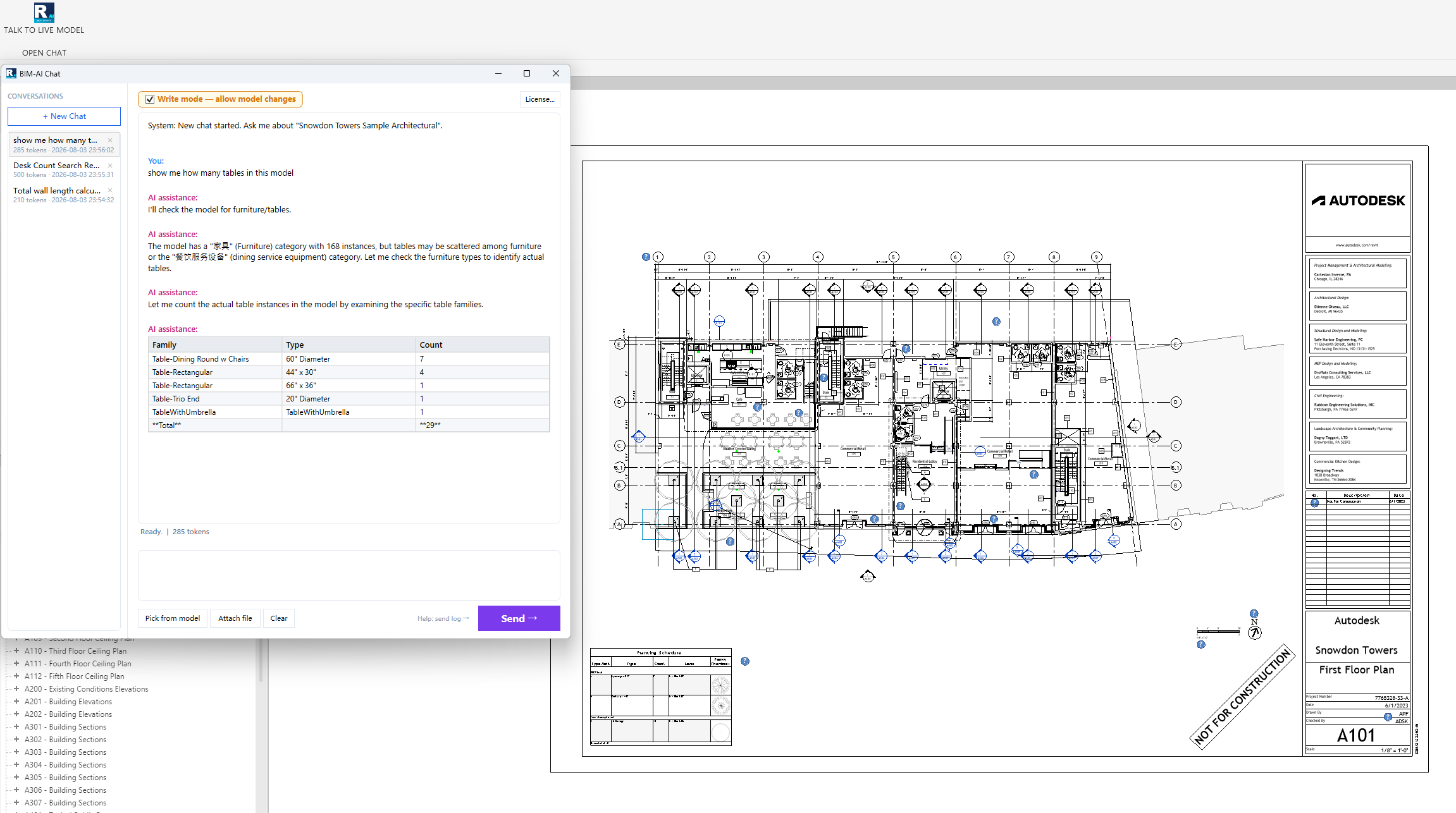
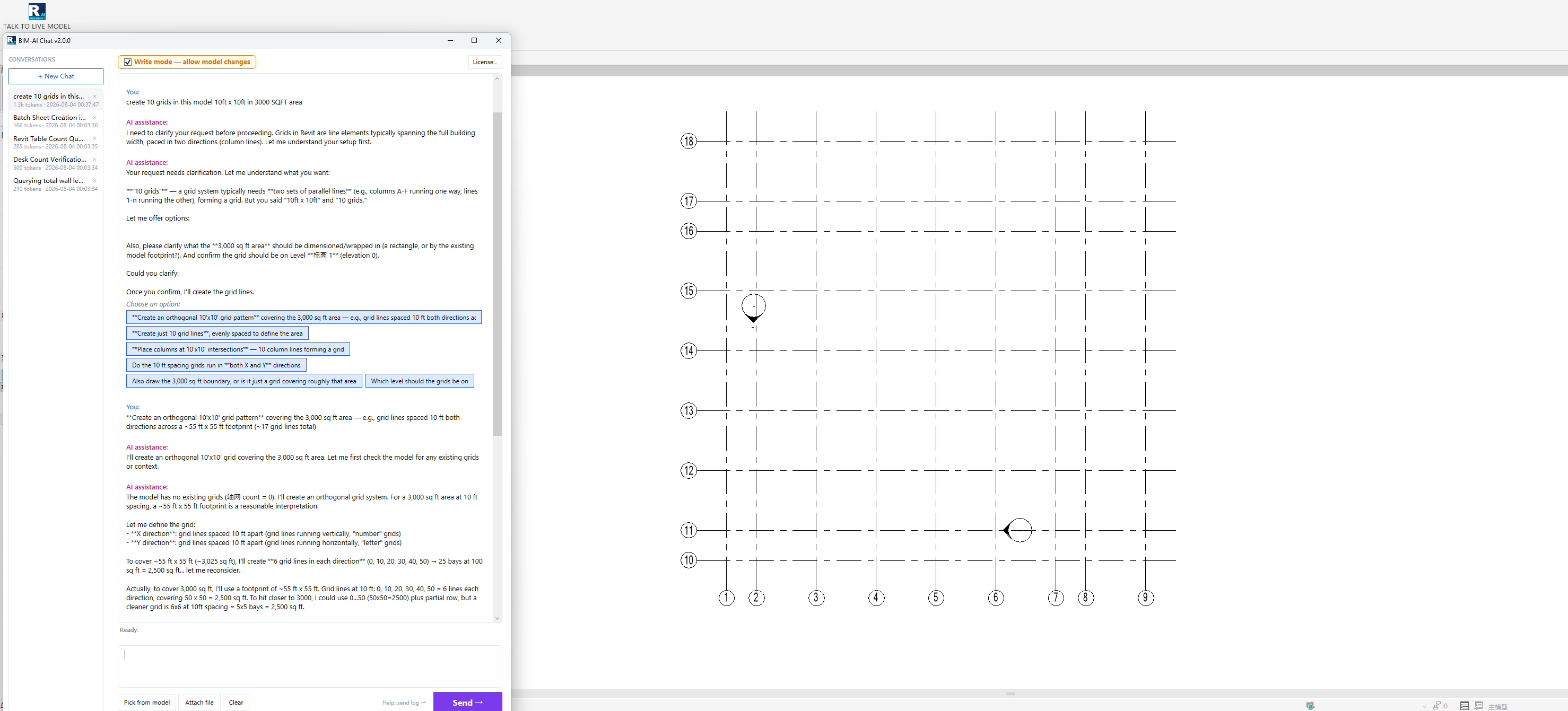
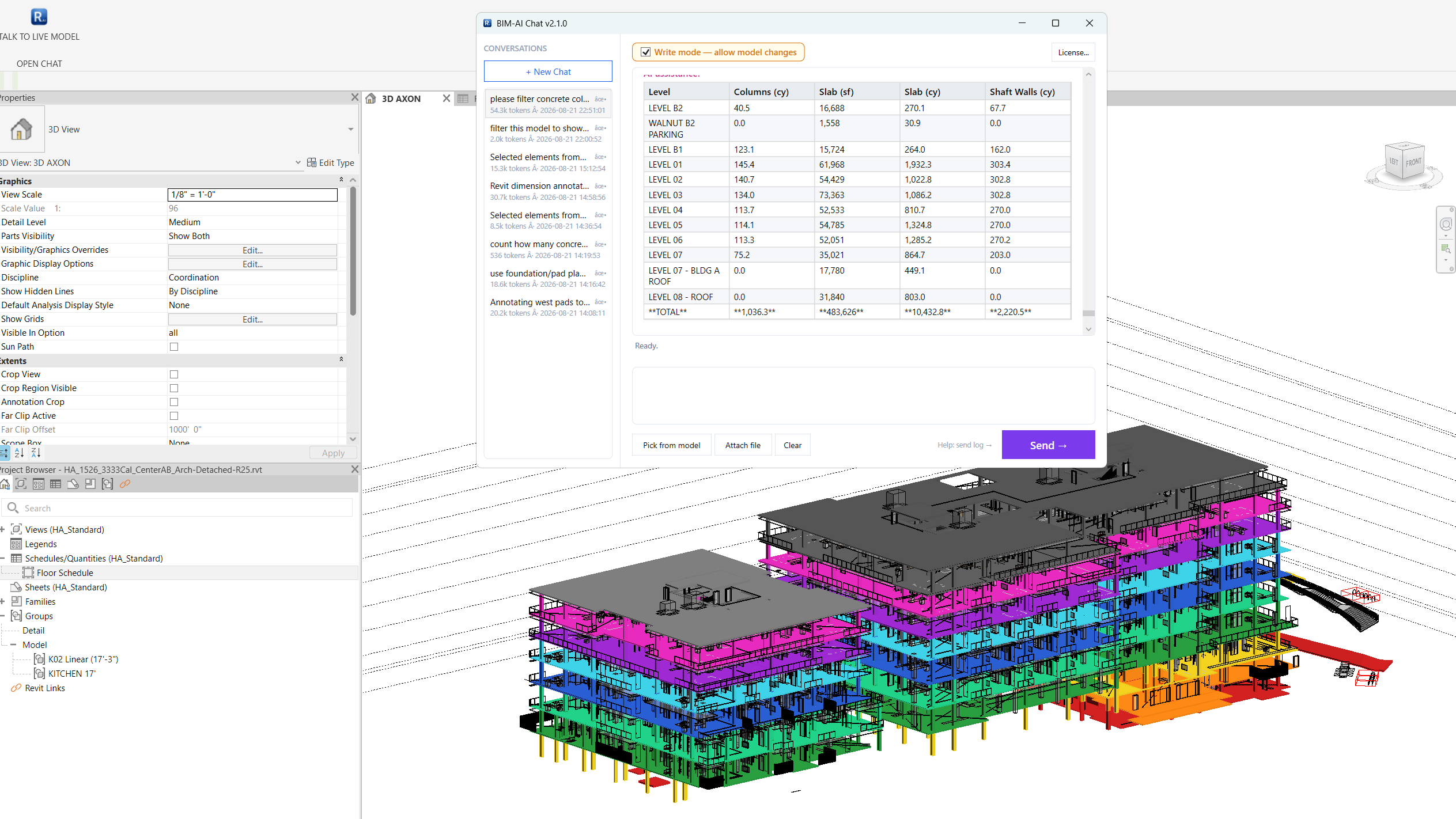
Ask questions, generate documentation, and automate BIM workflows — directly inside Revit. No export, no context switching. Start your 15-day Free Trial (30 asks/day) — no credit card required.
Ask questions about your model in plain English. "How many doors on Level 2?" or "List all MEP clashes in this view."
AI reads your active Revit model directly — no manual exports, no file uploads. Always up-to-date with your latest changes.
Generate room schedules, element lists, and specification summaries in seconds. Format results as tables or bullet points.
Model data is processed locally. Only structured context is sent to the AI — your .rvt file never leaves your machine.
AI can write and execute scripts to batch-modify parameters, rename elements, check compliance, and more.
One click from the Revit ribbon. Familiar UI that fits your existing workflow. No learning curve.
Download the installer for Revit 2025–2027. Double-click, done. Appears in your Revit ribbon under "CONNECT TO AI".
15-day full-featured trial (30 asks/day). No credit card required. Activate with the key we email you after signing up.
Click "TALK TO LIVE MODEL" in the ribbon, ask your first question, and watch AI reason about your building.